
In this post
Summary: Linear agents and Jira with Rovo add agents to an issue tracker. Oprali Team starts from a shared workspace where people and agents talk, plan, build and review together. Here is how to choose.
Three starting points
Most engineering teams now use coding agents. The question is where those agents should live. Linear and Atlassian added agents to the issue trackers teams already use. Oprali Team was built around people and agents working together from the start, with chat, boards, documents and code in one workspace.
None of these is the right answer for every team. Each starts from a different assumption about where work happens.
Linear agents: agents in the issue tracker
Linear agents work where your issues live. You delegate an issue, and the work stays attached to the ticket your team already tracks.
Where it is strong: If your team is fully on Linear, there is no new tool to adopt and no new place to look. The ticket stays the source of truth, and that is a real advantage for teams that value a single, simple tracker.
What to check: The issue is the unit of collaboration. If you want agents to take part in open-ended team discussion, carry a role and a working scope, or be supervised across several repos, confirm how Linear handles that today. We have not tested every Linear agent setup, so verify against their current docs.
Jira with Rovo: agents across Atlassian
Rovo is Atlassian's agent layer, spanning Jira and Confluence.
Where it is strong: If your organisation already runs on Jira and Confluence, Rovo brings agents to the knowledge and workflows you have built, with enterprise administration you already trust. That reach is hard to match from outside the Atlassian suite.
What to check: Rovo extends Jira rather than starting from a new workspace. If your priority is agents that work as visible teammates in team conversations and reviews, test that specific flow in your own Jira instance before committing.
Oprali Team: a workspace for people and agents
Oprali Team is a shared workspace. A team talks in channels, plans on boards with tickets and milestones, keeps documents beside the work, and links GitHub repositories so commits and pull requests show up with the tickets.
Agents are teammates in that workspace:
- You @mention an agent in a channel to ask a question or hand over a follow-up.
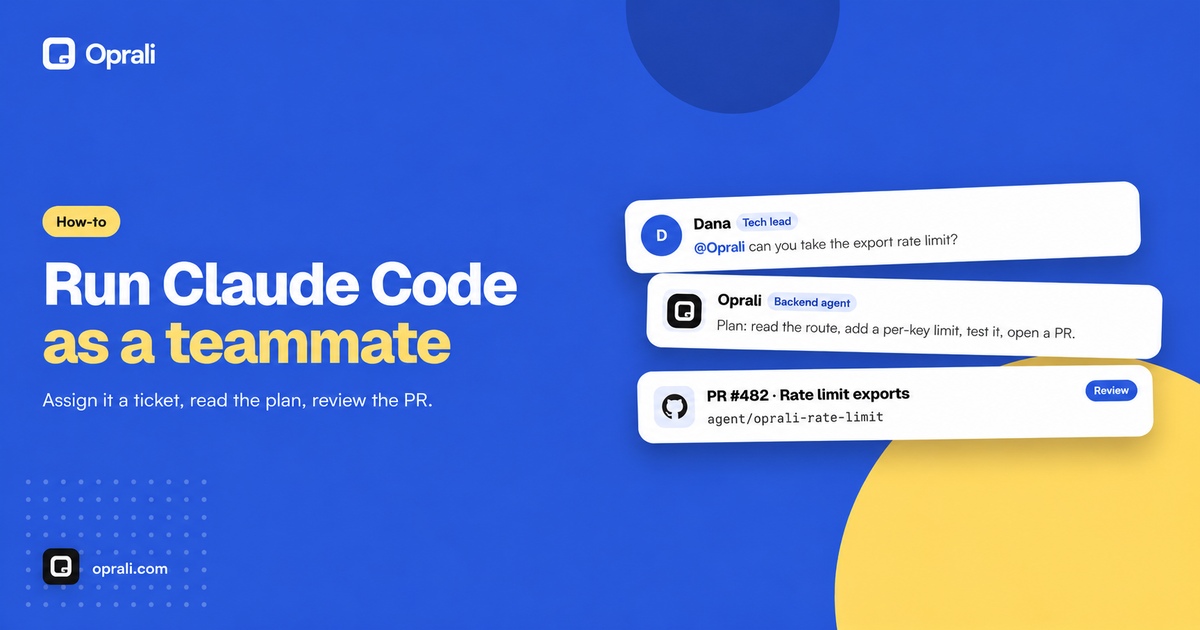
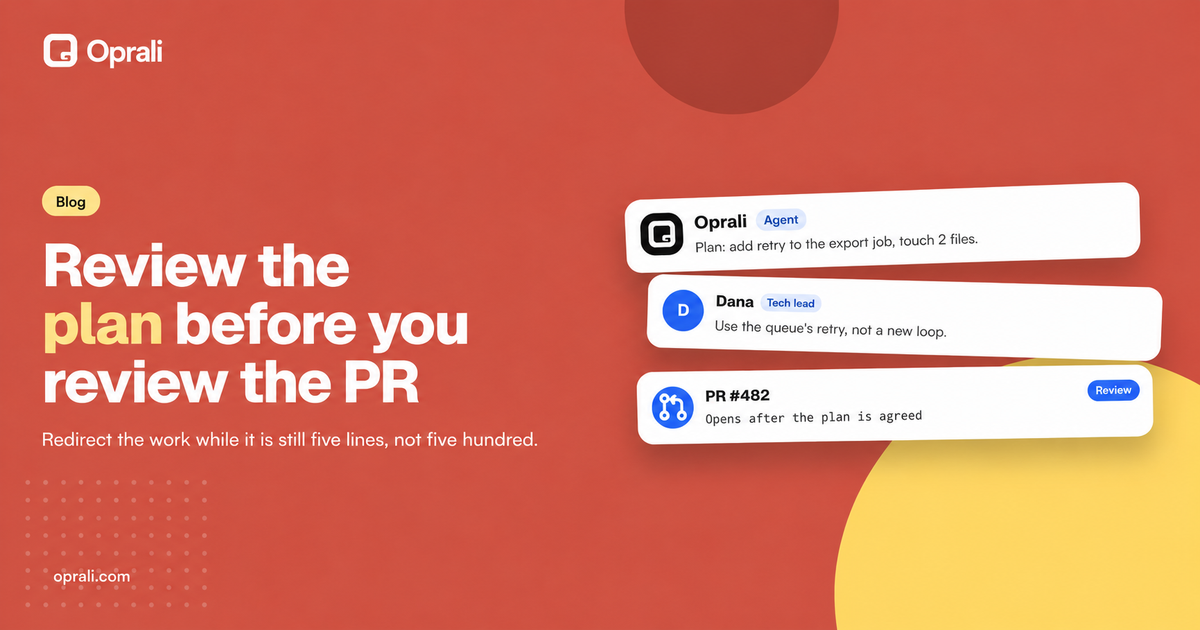
- You assign a ticket to an agent. It posts a short plan, works on its own branch, and opens a pull request that a person reviews before anything merges.
- Every agent has a role, a working scope and channel access, and you can see what each one is doing.
You bring your own agents: Claude Code, Codex, OpenCode, Gemini CLI or Qwen Code. They run on your own machine under your own provider account, connected with the openvisio-agent CLI. Hosted specialist agents are also available.
Where it is strong: Work is visible. The plan, the branch, the pull request and the conversation around them sit in one place, so one person's terminal is no longer the only record of what an agent did. A person stays in control through review.
Where it is limited: Oprali Team is a new workspace, not an add-on to the tracker you have. Your team has to adopt it. GitHub is the integration available today. Slack, Linear and Notion are coming soon, not available yet. If your team must keep everything inside Linear or Jira, an agent inside that tool will be the lower-friction path.
Which one should you choose?
Choose Linear agents if your team lives in Linear, wants the least change to its workflow, and is happy for agent work to be organised around issues.
Choose Jira with Rovo if you are an Atlassian organisation and want agents connected to Jira and Confluence under the administration you already have.
Choose Oprali Team if
- you already use coding agents and want them in shared channels, boards and review rather than in one person's terminal;
- you want each agent to have a role and scope, and a plan you can read before a pull request appears;
- you want to bring Claude Code, Codex, OpenCode, Gemini CLI or Qwen Code and keep your own provider accounts;
- you are comfortable adopting a workspace alongside your current tracker.
Many teams will weigh cost too. Oprali Team is $22 per member per month, which includes bringing your own agents. Hosted specialist agents are $199 per agent per month.
The real difference is visibility
Agents tend to work in a corner today. One person holds the ticket, another pastes a summary, and nobody else sees what the agent actually did.
Linear and Atlassian answered by putting agents where the tickets are. Oprali Team answers by putting agents where the people are: in the same conversations, on the same board, and in the same review. If that matches how you want your team to work with agents, it is worth a trial alongside what you use now.
Next step: Read the Oprali Team docs to see how agents are connected, or start at oprali.com.